
What Patient Letters do
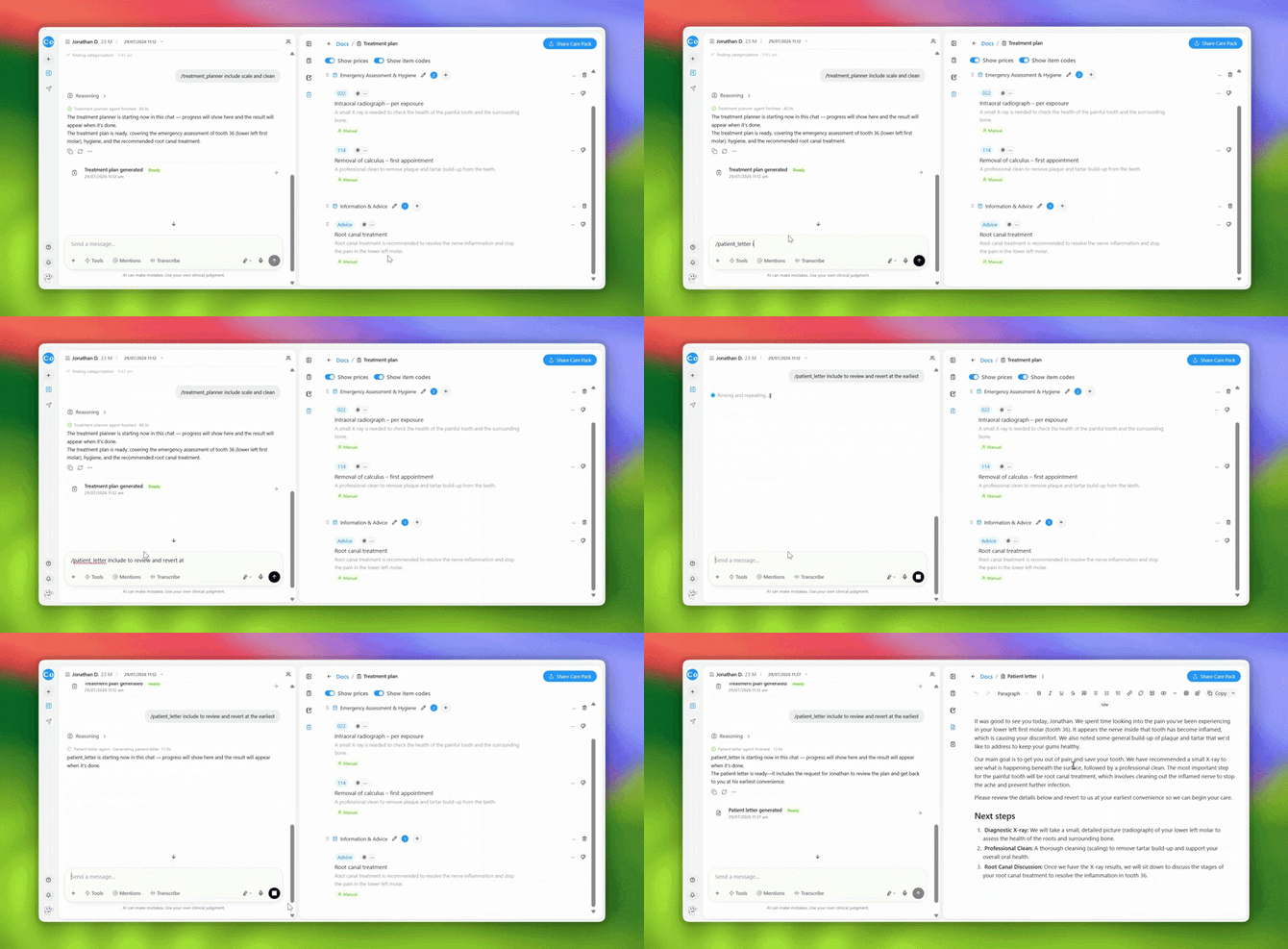
Patient Letters turn information from the consultation into communication designed for the patient.
It can help explain what was discussed, relevant findings, treatment recommendations and next steps in language that's easier for patients to understand.
Create a Patient Letter
- Open the patient's session.
- Open Tools.
- Select Patient Letters.
- Add any additional instructions if requested.
- Generate the letter.
- Review the content before using or sharing it.
Make the letter your own
You can ask CoTreat Chairside to adjust the generated letter using natural language.
For example:
“Make this easier for the patient to understand.”
“Make the tone warmer and shorten the treatment explanation.”